

Vending Machine Preventative Maintenance Guide
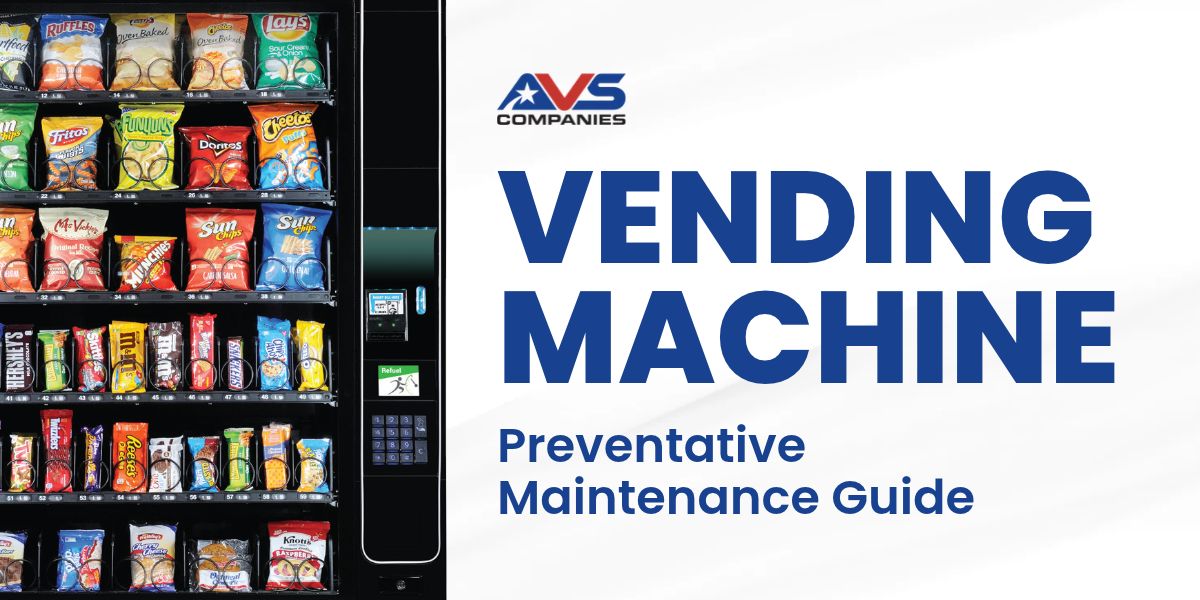
Routine cleaning, inspection and filter replacement guide.
Vending machine maintenance is essential to keep your business running smoothly. This guide outlines general preventive maintenance practices that will keep your vending machines clean, reliable and ready for customer use.
Please Note: Always follow the machine and component manufacturers’ instructions because service intervals may vary by model, usage level, operating environment and local water quality.
Safety Before You Begin
- Place the machine out of service and follow the manufacturer's shutdown procedure.
- Disconnect power before cleaning internal areas or working near electrical and refrigeration components.
- Use only products that are safe for the surface or component being cleaned; use food-safe cleaner in product-contact areas.
- Do not spray liquid directly onto electrical parts, payment devices, ventilation openings or displays.
Contact one of our qualified service technicians if you find damaged wiring, leaks, unusual noise, persistent cooling issues or repeated payment-system errors.
Recommended Maintenance Schedule
- Water Filters: Replace every 6-12 months, or when the manufacturer's rated gallon capacity is reached. In high-use locations or areas with hard water, replacement may be needed every 2-6 months to reduce limescale buildup and contamination risk.
- Air Filters: Inspect washable refrigeration air filters monthly and clean them as needed. Replace disposable air filters at least every three months, or more often in dusty or high-use environments.
Payment-System Cleaning
- Bill Validators: Clean every 30-60 days. In high-use locations, use a specialized bill acceptor cleaning card as often as once a week, when permitted by the component manufacturer.
- Card Readers: Clean monthly or according to the manufacturer's transaction-based interval, such as every 500 uses. Regular cleaning helps maintain chip contact and reduce failed transactions.
Recommended Supplies
- Microfiber Cloths: Wipe interior and exterior surfaces without scratching.
- Mild, Non-Abrasive Cleaner: Use a food-safe product for shelves and product areas.
- Disinfectant Wipes or Spray: Sanitize high-touch areas such as buttons, keypads, handles and touchscreens. Apply liquid to a cloth rather than directly to equipment.
- Glass Cleaner: Clean glass fronts on snack and beverage machines.
- Paper Towels or Lint-Free Towels: Use for general cleanup and drying.
- Small Vacuum with Hose Attachment: Remove dust, crumbs and debris from the interior and around cooling coils, while avoiding direct contact with delicate components.
- Compressed Air: Clean dry dust from approved hard-to-reach areas and components, following manufacturer guidance.
- Soft-Bristle Brush: Loosen dust on delicate parts and refrigeration coils.
- Cotton Swabs: Clean tight corners and small, accessible areas.
Preventative Maintenance Procedure
- Prepare the Machine: Post an out-of-service notice if needed, follow shutdown instructions, disconnect power and gather approved supplies.
- Inspect the Exterior: Check the cabinet, door, hinges, locks, power cord, display, keypad buttons, and customer-facing services for damage or excessive wear.
- Clean High-Touch Surfaces: Wipe and disinfect handles, keypads, selection buttons, touchscreens, and payment-device exteriors without saturating openings.
- Clean the Product Area: Remove debris and expired or damaged products. Wipe shelves, trays, spirals, delivery bins, and interior surfaces with an appropriate cleaner, then dry completely.
- Service the Payment System: Clean the bill validator and card reader using approved products and the interval listed. Remove dust and debris from the coin mechanism without forcing or bending parts.
- Inspect Airflow & Refrigeration Areas: Remove dust from approved vents, filters and accessible coils. Confirm that airflow is not blocked.
- Check & Replace Filters: Replace water or disposable air filters when the service interval, condition or rated capacity indicates replacement is due.
- Restore & Test Operation: Reconnect power, return the machine to service and then test selections, product delivery, payment acceptance, display functions, lighting and cooling.
- Determine the Machine is Level Again: Use a wrench and bubble level to verify the machine is level on all four sides. Always place the level on the machine, not on the door.
- Document the Service: Record the date, machine identification, work completed, filters or parts replaced, issues found and any follow-up required.
Tailor the Plan to Each Machine
FOR OUTDOOR MACHINES, NEVER USE ABRASIVE OR CHEMICAL MATERIALS ON LEXAN; USE ONLY SOAP AND WATER.
Create a maintenance record for each machine that identifies the manufacturer, model, serial number, location, filter types, approved cleaning products, required intervals and the person responsible. For high-volume, dusty, hot, humid or hard-water location, increase the inspection frequency.
Important: This guide provides general information and does not replace the machine manufacturer’s operating, cleaning, safety or service instructions.
